How to Automate Social Media with Claude: What Works, What Doesn't, and the Prompts to Steal
Claude can compress a week of social media work into an afternoon. It cannot press publish. The honest breakdown of what to automate with Claude, the exact prompts, and how to close the publishing gap.
Here is the honest answer up front: Claude automates the thinking and writing side of social media, and it does that better than almost anything else. It does not post, schedule, or measure anything on its own. Anyone who tells you otherwise is selling a Zapier template.
This guide covers what Claude genuinely automates, the exact prompts we use, and the three ways teams close the gap between "Claude wrote it" and "it went live at the right time."
What Claude can and can't automate
| Task | Can Claude do it? | What it takes |
|---|---|---|
| Drafting posts in your brand voice | Yes, reliably | A Project with voice instructions (setup below) |
| Planning a monthly content calendar | Yes | One structured prompt per month |
| Repurposing a blog post into a platform set | Yes | Paste the source, one prompt |
| Writing platform-native variants (X vs LinkedIn vs IG) | Yes | Constraints in the prompt |
| Generating images or video | No | Claude is text-only; pair it with an image tool |
| Publishing to Instagram, Facebook, LinkedIn, X | No, not natively | The API plus your own code, or a scheduling platform |
| Posting at the best time per platform | No | Claude doesn't know your audience's rhythm and can't act on a clock |
| Reading your analytics and adjusting | Partially | You paste exports in; it won't pull them itself |
The pattern is clear. Everything between your brain and a finished draft: automatable today. Everything between the draft and a published, measured post: not Claude's job.
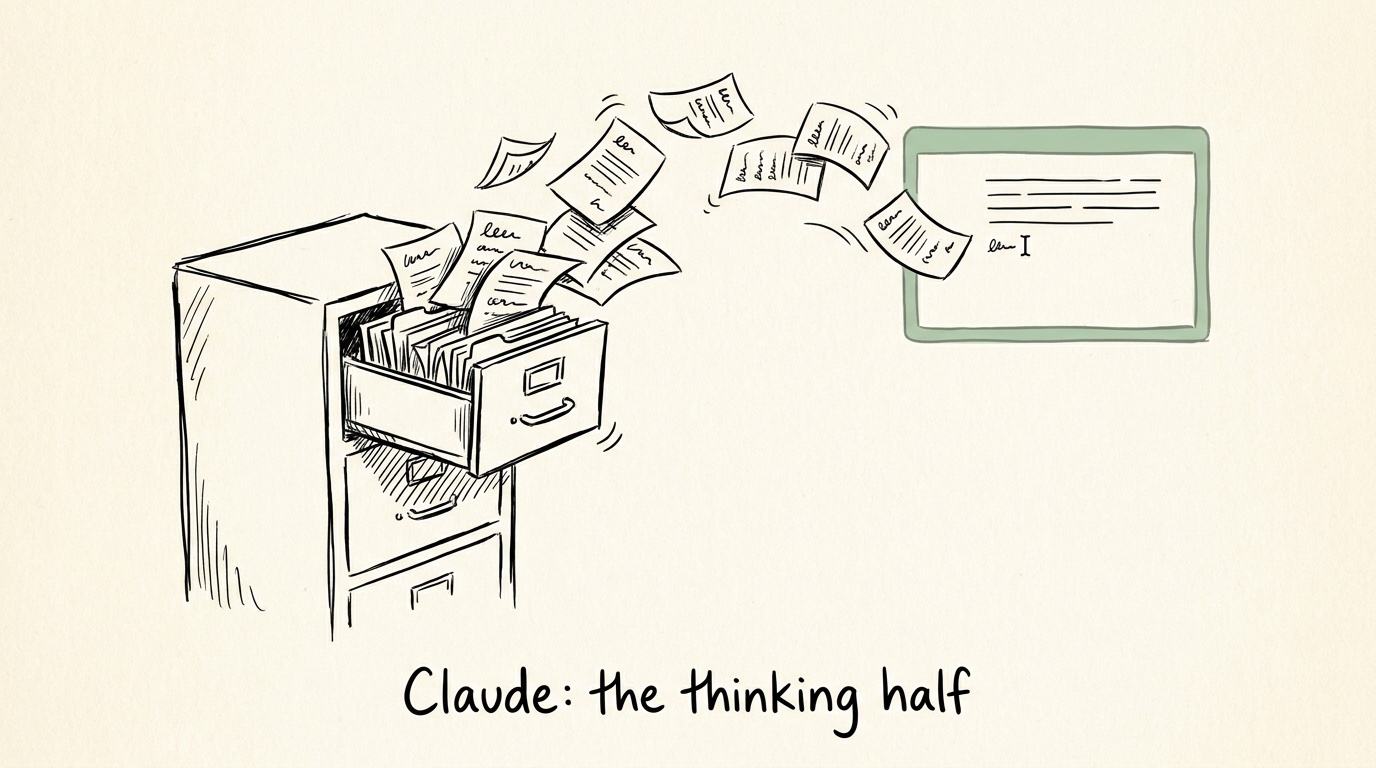
Step 1: Give Claude a memory (or every session starts from zero)
Claude starts every conversation knowing nothing about your brand. The fix is Claude Projects, available on the Pro plan ($20/month): a workspace where you pin instructions and files that every chat in that Project can see.
Set up one Project called "Social media" and load it with three things:
- A voice guide (generate it with the prompt below)
- Your 5 to 10 best-performing posts as a file
- One page of product facts: what you sell, who buys it, what you never claim
Claude's standard context window is around 200,000 tokens, roughly 150,000 words. A year of your social posts fits with room to spare. Use it.
The voice guide prompt (run once, save the output into your Project instructions):
You are a brand voice analyst. Below are writing samples that represent our brand at its best. Study them and produce a reusable voice guide.
Output exactly: 1) a two-sentence voice summary, 2) five tone attributes, each with a one-line "do" and "don't" example quoted from the samples, 3) sentence patterns: length, rhythm, punctuation habits, 4) ten words we use and ten we never would, 5) a compressed voice instruction block under 60 words for pasting into future prompts.
Base everything on evidence in the samples. Do not invent traits.
Samples: [PASTE 5 TO 10 POSTS]
Step 2: Batch a month of content in one session
This is where the real time compression happens. A content calendar that takes most teams a half-day meeting takes one prompt and 15 minutes of editing.
The calendar prompt:
Using the voice guide and product facts in this Project: plan [MONTH] for [PLATFORMS]. We post [N] times per week per platform. This month's business priority is [LAUNCH / OFFER / THEME].
Output a table: date, platform, content pillar, the specific post idea (not a topic, the actual angle), a draft hook under 12 words, and the CTA.
Constraints: no more than 30% promotional posts. Every educational post must teach one specific thing. Spread the four pillars [name yours] evenly. Flag any date where a real-world event ([INDUSTRY] events, holidays) is worth hijacking.
Two rules from painful experience. First, judge ideas by their hooks: you cannot evaluate "post about productivity," but you can kill a weak hook in two seconds. Second, make Claude produce 20% more ideas than you need, then cut. Curation beats regeneration.

Step 3: Draft platform-native posts, not one post pasted four times
Cross-posting the same text everywhere is the most visible sign of lazy automation. The platforms have different physics: X cuts you at 280 characters, LinkedIn gives you 3,000, Instagram captions allow 2,200 and reward a strong first line because everything truncates after roughly 125 characters in feed.
The batch drafting prompt:
Write this idea as three platform-native posts: [PASTE IDEA + THE SPECIFIC EXAMPLE OR NUMBER THAT MAKES IT CREDIBLE].
LinkedIn: hook under 12 words making a concrete claim, 2 to 3 short paragraphs, end with a question that invites disagreement. No "Thoughts?". X: one idea only, under 280 characters, no windup, no hashtags. Instagram: first line must survive a 125-character truncation, caption under 2,200 characters, 3 to 5 hashtags at the end only.
All three in our Project voice. Never open with "Imagine" or "In today's world."
Always supply the specific number, customer story, or example yourself. Claude cannot know your anecdotes, and specificity is exactly what separates a credible post from filler. If you want a deeper library of these, we published our full set of marketing prompts for social media separately.
Step 4: Repurpose long-form on autopilot
The highest-ROI prompt in this whole workflow. One blog post or podcast transcript becomes two weeks of social content:
Here is a long-form piece: [PASTE]. Extract every distinct claim, statistic, and contrarian take worth standing alone. For each, tell me which platform it fits best and why. Then draft the top 8 as platform-native posts per our voice guide. Nothing generic: if a post could have been written without reading the source, cut it.
The three levels of actually automating it
Writing is now fast. Publishing is still manual. Three ways teams close that gap:
| Level | How it works | Skill needed | What breaks |
|---|---|---|---|
| Chat + native schedulers | Claude drafts, you paste into each platform's scheduler | None | Your time: 30-60 min per batch, per platform. Timing is guesswork |
| Zapier / Make + Claude API | A trigger (form, sheet row) sends a prompt to Claude, output lands in a scheduler | Low-code patience | Brittle chains, no approval step, generic output without your Project context |
| Custom code on the Claude API | Your script generates, queues, and posts via each platform's API | A developer, and upkeep | Meta/LinkedIn/X API quirks become your job. Great until the first breaking API change |
We wrote up the same trade-off for the ChatGPT side in our guide to ChatGPT for content creation, and the conclusion is identical: the chat tools won the writing problem and left the operations problem to you.
Where this breaks, honestly
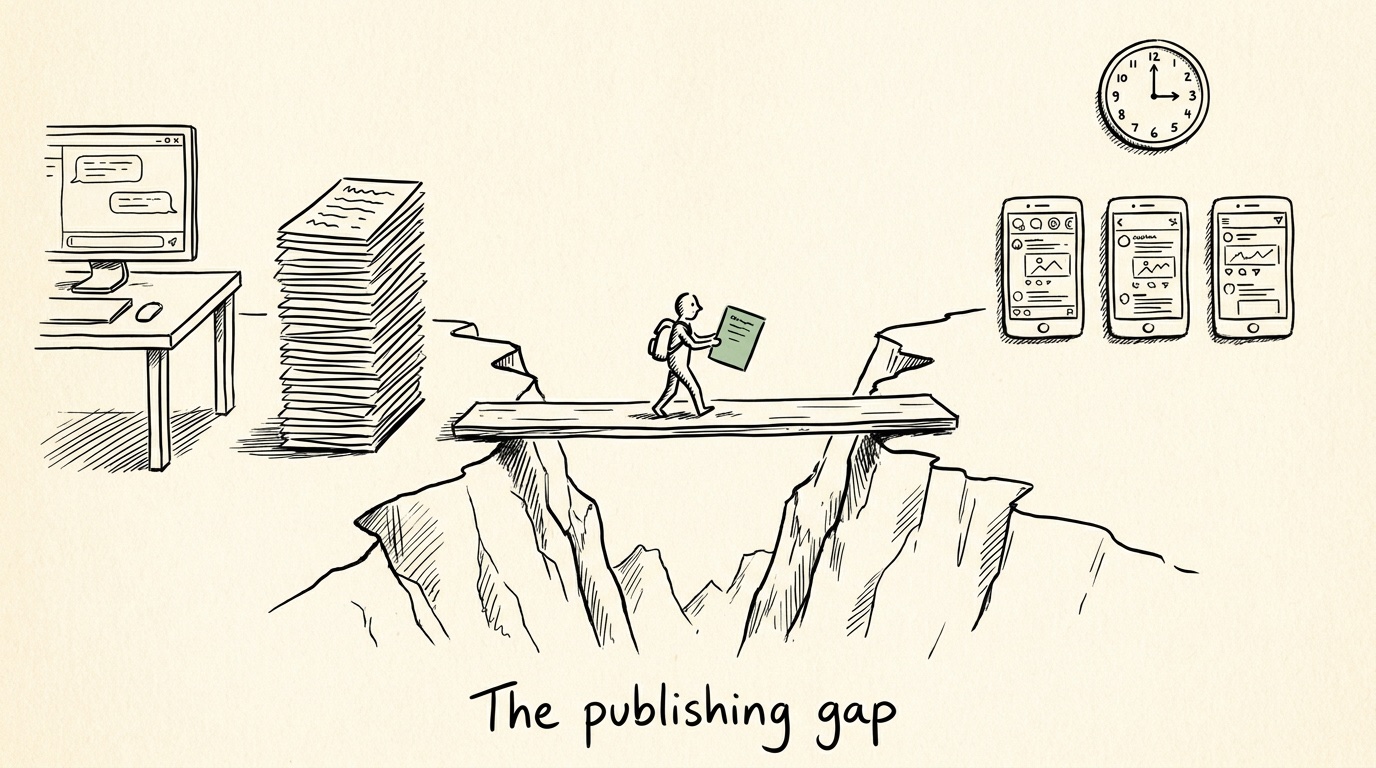
Run the workflow above for a month and you will hit the same wall every team hits. The drafts are good. The calendar is solid. And every single week someone still has to move text out of a chat window, into four schedulers, at the right times, get it approved, and check what happened.
That copy-paste layer is fine for one brand posting twice a week. It quietly eats hours for anything more, and it is why we built Crowbert the way we did: an AI agent that holds your brand voice permanently, generates the calendar and the posts, schedules them at data-backed optimal times, publishes across platforms, and reports back, in one loop with an approval step where you want one. The thinking half and the doing half, finally in the same place. If the workflows in this post resonate but the pasting does not, that's the door: start free at crowbert.com.
Claude is the best writing partner social media has ever had. Just don't ask it to be your scheduler. Something has to own the publishing loop, whether that's you, your scripts, or an agent built for it.
FAQ
Can Claude post directly to Instagram or Facebook?
No. Claude has no native publishing integration with any social platform. Posting requires the Claude API plus the platform APIs (developer work), a middleware tool like Zapier, or a social media management platform.
Is Claude better than ChatGPT for social media content?
They are close, and both beat working without one. In our testing Claude tends to hold a defined brand voice more consistently across a long session, while ChatGPT's ecosystem has more plug-ins. The workflow in this post works in either; we keep parallel prompts in our ChatGPT for marketing guide.
What does it cost to run this workflow?
The chat workflow needs Claude Pro at $20/month, and Projects is the feature that makes it work. API costs for a Zapier or custom setup depend on volume; for a typical small brand's posting volume, expect single-digit dollars per month in API usage before engineering time.
Can Claude tell me the best time to post?
It can recite published research, but it cannot watch your audience or act on a schedule. Aggregated studies (we maintain one for the best time to post on Facebook) beat guessing, and your own engagement data beats the studies.
Does Claude generate the images for my posts?
No. Claude is text-only. Pair it with an image tool, or use a platform where visuals, copy, and scheduling ship from the same brief.
About the Author
Founder & CEO of Crowbert Passionate about making enterprise-grade AI marketing accessible to everyone. Building the future of automated marketing, one feature at a time.